AI News · 5 min read
ChatGPT for Accounting: QuickBooks, Xero, NetSuite and Setup
OpenAI launched ChatGPT for Accounting on November 18, 2026: a free desktop plugin that drafts entries and reconciliations for you to approve.
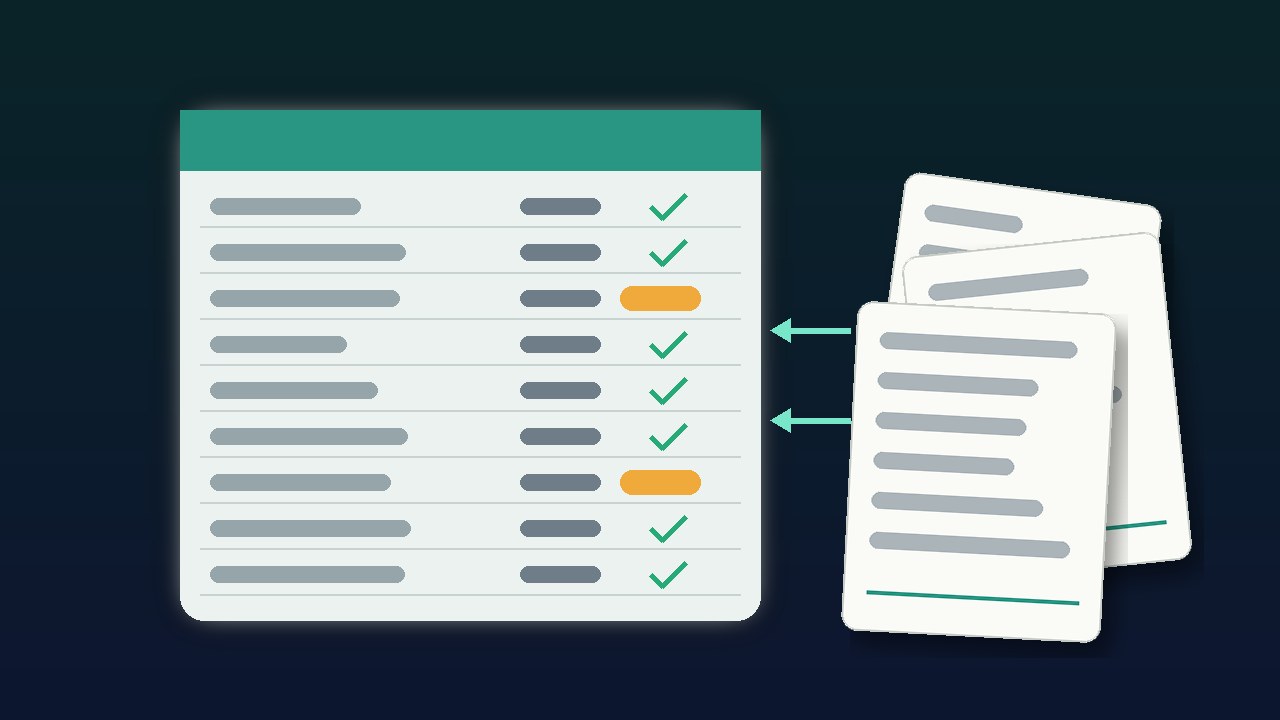
OpenAI launched ChatGPT for Accounting on November 18, 2026: a free desktop plugin that drafts entries and reconciliations for you to approve.
On November 18, 2026, OpenAI added "Accounting workflows in ChatGPT" to the ChatGPT release notes ↗ and published a ChatGPT for Accounting ↗ page. The official ChatGPT account posted on X ↗: "Phew, ChatGPT for Accounting is now available." It listed month-end reports, bank reconciliation, data entry, and audit prep. On November 19, Xero ↗ announced its part, and TechBooky ↗ (Paul Femi Balo) and Business Upturn ↗ (Saptam Modak) covered it. The picture above is an original graphic created by aitoolranked. We have not installed the plugin or connected any books to it.
The launch has two parts. The Accounting plugin ↗, built by OpenAI, adds guidance for invoice processing, reconciliation, and reporting. Partner plugins connect ChatGPT to the software that holds the books. OpenAI's page names Intuit QuickBooks, Xero, BILL, FreshBooks, NetSuite, QuickStart, Rillet, and Campfire, and the plugin listing adds "4 more". For apps without a plugin, OpenAI points to computer use, where ChatGPT works in the app on your computer. TechBooky puts the split plainly: installing the main plugin "does not automatically grant access to every company's books."
OpenAI did not publish a separate price. Its help article ↗ says the plugin "is free to install", and that the model, tools, and usage you get depend on your plan.
OpenAI lists four jobs. It prepares draft entries from invoices and receipts, with suggested account coding and unclear details flagged. It gathers invoices, statements, and payment records from email, files, and accounting apps for reconciliation. It compares workpapers with supporting records and drafts notes on possible duplicates, missing information, and unexplained differences. It saves templates, instructions, and review checks as reusable skills for next month.
The example prompt on OpenAI's page asks ChatGPT to find jobs ready to invoice in your email, create the invoices with QuickBooks "for my review", and flag anything unclear. Customer quotes on the same page give time savings. One senior accountant says ChatGPT "prepared our uploads in 17 minutes total." Those are customer statements on OpenAI's page, not measurements from this desk.
Xero's announcement, by product president Diya Jolly, covers month-end close reviews, client portfolio reviews, and quarterly review prep with live Xero data. It says the follow-up action happens "back in Xero, where your ledger lives". Xero says its integration in ChatGPT for Accounting "is currently available in the US". Business Upturn notes that this is a limit on Xero's connection, not proof that every partner has the same reach.
| Step | What to do |
|---|---|
| 1 | Open the ChatGPT desktop app (macOS or Windows) |
| 2 | Set up computer use |
| 3 | Find Accounting in the plugin directory and install it |
| 4 | Upload an Excel template and files, or connect an accounting app |
| 5 | Name the company, the period, and the rules to follow |
ChatGPT Business members can install Accounting without admin approval. In an Enterprise workspace, an admin has to approve it first in the admin console. A partner connection that can read transactions may have different permissions for writing them, so OpenAI says to check each listing. The help article gives one practical warning: if an entry's status is unclear, "check the accounting app before trying again to avoid creating a duplicate."
On data, OpenAI says data from ChatGPT Business and Enterprise isn't used to train its models by default, admins choose which apps are enabled, and ChatGPT respects each user's existing app permissions.
"ChatGPT for accounting. Hallucinations used to be a bug. Now they're an audit finding." — TheLastPrompt ↗ (@TheLastToken)
"… how does it handle complex GAAP exceptions without hallucinating some weird tax write-off? That's where things usually fall apart." — KURAOpenclaw ↗ (@KURAOpenclaw)
"I wouldn't let OpenAI anywhere near my financial info." — Bonus Predictions ↗ (@BonusPrediction)
"This is good but you pay your accountant for human "protection" and establishing a connection to the tax office. No LLM can do that." — Vlad.RDX ↗ (@vlad_rdx)
"I sold my YC company to build chatgpt for accounting AMA" — Ruhan Ponnada ↗ (@RuhanPonnada), who posted the same joke about ChatGPT for Sales a day earlier.
Reddit was not reachable for this story.
This is a drafting layer over the ledger, not a new ledger. QuickBooks, Xero, and NetSuite stay the system of record, and the person who signs off stays responsible. OpenAI's own wording keeps you in the loop: drafts, suggested coding, flagged issues, "for my review". That is the right design for books, and it is also why the time savings depend on how fast your review is.
Computer use is the part to think about. Setup asks for computer use in the desktop app. For apps without a plugin, ChatGPT works in the software directly. That reaches more tools, and it also hands more of your machine to an agent. Firms should decide who can turn it on before anyone installs the plugin. The duplicate-entry warning in OpenAI's help article shows the plain risk.
Who should care. Bookkeepers and small firms on QuickBooks or Xero, especially in the US where Xero's connection is live, have the most to try. Enterprise finance teams wait on an admin anyway. OpenAI's pages do not mention tax filing, whatever some replies on X expect. This is the second OpenAI work package this week after ChatGPT for Sales. Microsoft's answer is Excel inside Office in Copilot. Anthropic's nearest pieces are Claude Sheets and Claude Data and the consumer Personal Finance beta. For plan differences, see ChatGPT vs Claude vs Gemini.
Verdict: Worth a pilot on one client's month-end, with every entry reviewed against source documents. Do not treat it as a reason to skip the reviewer. Watch the plan rules, which countries each partner reaches, and how write access is handled.