AI News · 5 min read
AI Mode Personal Intelligence Adds Wallet, Drive and Gemini
Google Search's AI Mode can now read your Google Wallet, with Drive and Gemini chats next. How to connect or disconnect, and what Google trains on.
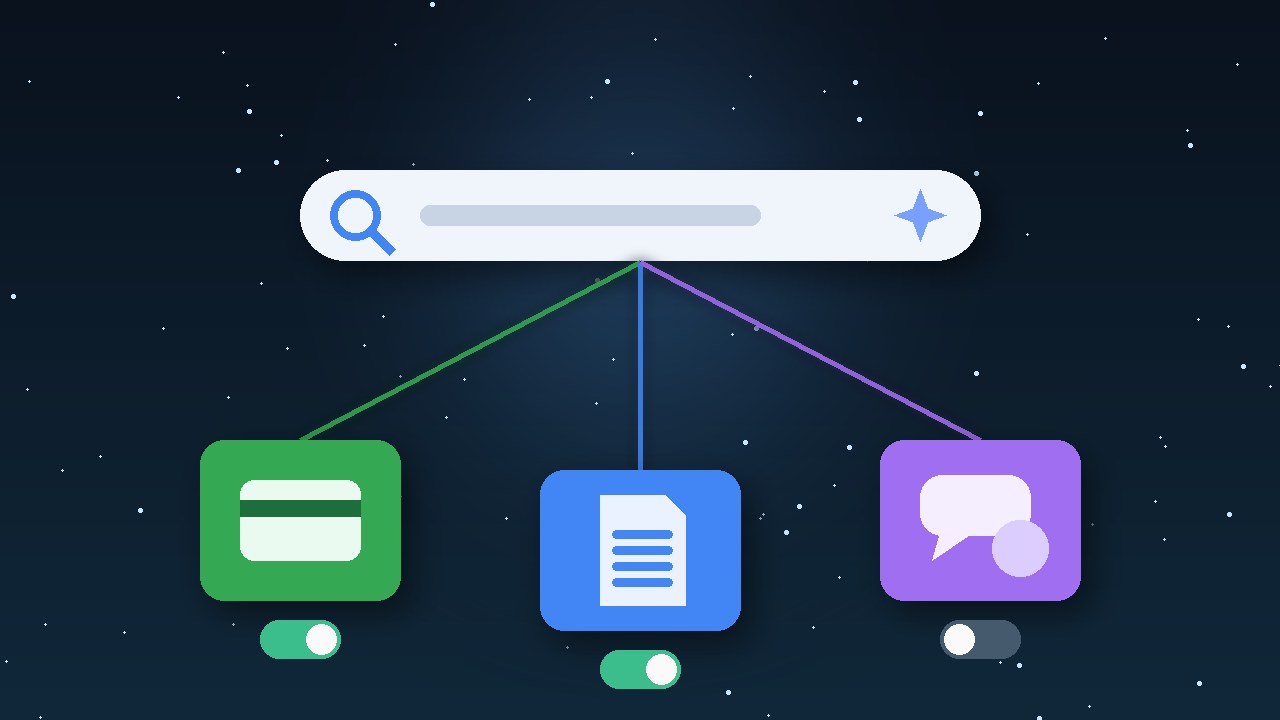
Google Search's AI Mode can now read your Google Wallet, with Drive and Gemini chats next. How to connect or disconnect, and what Google trains on.
On Monday, November 23, 2026, Google said Personal Intelligence in AI Mode can now connect to three more of your Google apps. In a Google blog post ↗, Search VP Robby Stein said Search "is getting even more tailored."
Google Wallet — rolling out now. AI Mode can read your spending and linked cards. It "can't move, manage, or invest your money."
Google Drive — Docs, Sheets and PDFs, so AI Mode can answer with your own files in mind.
The Gemini app — "in the coming weeks." AI Mode will see what you explored in Gemini, and Gemini will see AI Mode.
These join Gmail, Calendar and Photos, which AI Mode could already use. 9to5Google ↗, The Verge ↗ and Android Authority ↗ confirmed the rollout. Google's blog says Wallet is first, with Drive and Gemini to follow. Its help page ↗ already lists Drive as connectable in the US in English.
This comes ten days after Google let the Gemini app read Wallet, which we covered in Gemini connects Google Wallet for US spending. Now the same data reaches Search.
The connections are opt-in. Two smaller changes in the same post will reach far more people:
AI Overviews and AI Mode will tailor answers to your recent searches. Plan a trip, and a new search thread can "pick up right where you left off." This doesn't need any app connection. You can turn it off in Search settings.
A "Personalization" icon is coming below tailored answers, showing which personal context AI Mode used. You'll be able to correct it in the thread, for example: "I'm no longer a vegetarian."
Per Google's help page:
| Requirement | Detail |
|---|---|
| Age | 18 and over |
| Account | Personal Google Account (not Workspace business, school or enterprise) |
| Setting | Personalized Recommendations turned on |
| Drive and Calendar | US, English only |
| Wallet and Photos | "Isn't available in all regions" |
| Gemini app | Coming soon |
Mashable Middle East ↗ reports the feature isn't available in Europe or the UK at launch.
On your computer, open Search Services Personalization in your Google Account.
Turn on Personalized Recommendations.
Go to Additional Personal Intelligence Connected Content Apps.
Select Connect next to Google Workspace, Google Photos, Google Wallet or Gemini Apps (when it appears).
Google's blog says you can turn each connection off at any time from the same place.
Google's help page is unusually direct here. Three points matter:
Training. Search doesn't train generative AI models "directly" on your Gmail, Drive, Wallet or Gemini data. But it does train on "summaries, excerpts, generated media, and inferences" drawn from that data when you use AI Mode. "In some cases... the summary may just be the email, file, or chat."
Human reviewers. A subset of that data, including excerpts from your emails, files and Wallet information, is reviewed by people, "including trained service providers." Google says it disconnects the data from your account and reduces personal information first.
Disconnecting isn't deleting. Turning off a connection doesn't delete what's already in your Search Services History. You manage that separately at activity.google.com.
Google's own advice: "Please don't connect your Google content apps if they contain personal or confidential information that you wouldn't want a reviewer to see." It's the same pattern we flagged for the Gemini app in Gemini Connected Apps: humans may review your Gmail and Drive.
SEO consultant Glenn Gabe asked on X ↗: "But will many people connect these to Personal Intelligence?" The replies split:
"Wallet's gonna be the slowest yes. People will hand over their Drive before their spending history." — @xo_Zooie_xo ↗
"The bigger change might be the other part: Google says AI Overviews and AI Mode will tailor answers to recent searches too. That reaches everyone, opted in or not." — @Ghayurco ↗
"For people who do connect, answers get harder to replicate, and any clean-browser check of what AI Mode says about a brand drifts further from what they see." — @BilalAsif_ ↗
"Nah dude. This is sketch town USA. Google already knows way to much about me." — @BryceDrawe ↗
Reddit wasn't reachable from our tools for this story.
Drive is the useful one. Wallet is the one to think twice about. Asking Search to prep your taxes from the PDFs you already keep in Drive is a real time-saver. Wallet insights like "which card earns more on groceries" are nice, but the cost is your transaction history feeding summaries that people may review.
If you connect anything, connect Drive first. Keep sensitive documents out of the folders you'd be happy for a reviewer to see. Leave Wallet off unless you'd use the card-rewards advice every month.
For marketers, @BilalAsif_ has it right. Personalized AI Mode answers will look less and less like the logged-out results you test. Rank tracking for AI Mode just got less reliable.
Versus the alternatives: ChatGPT and Claude let you connect files and email too, but neither sits in front of billions of searches. If you want AI search without personal context, our Perplexity review covers the best-known option. Our ChatGPT vs Claude vs Gemini comparison weighs the wider assistant choice. And if search itself is changing under you, see Google's search button is gone: how to search.
Google: A more tailored Google Search that's uniquely yours ↗ (November 23, 2026)
Google Search Help: Connect your Google content apps to get a Search services experience that's tailored to you ↗
9to5Google: AI Mode adding Google Drive, Wallet, & Gemini app integration ↗
The Verge: Google's AI search will be able to access more of your personal context ↗
Android Authority: Google Search AI Mode adds Wallet Personal Intelligence, with Drive and Gemini coming soon ↗
Mashable Middle East: Google connects Wallet, Drive, and Gemini chats to Search AI Mode ↗