AI News · 4 min read
Midjourney Niji 8: How to Use It, Edit Model and Price
Midjourney's Niji 8 anime model is live. How to switch it on, how the new edit feature replaces cref for consistent characters, what it costs, and the catch.
Midjourney's Niji 8 anime model is live. How to switch it on, how the new edit feature replaces cref for consistent characters, what it costs, and the catch.
On November 24, 2026, Midjourney made Niji 8 live. Niji is the anime-focused model line Midjourney builds with Spellbrush. The launch post on X ↗ lists four headline features: "precision prompting, consistent characters, best in class coherence, a dedicated editing model and more." Midjourney's updates page ↗ carries the same note, and the longer write-up is on the Niji 8 blog ↗.
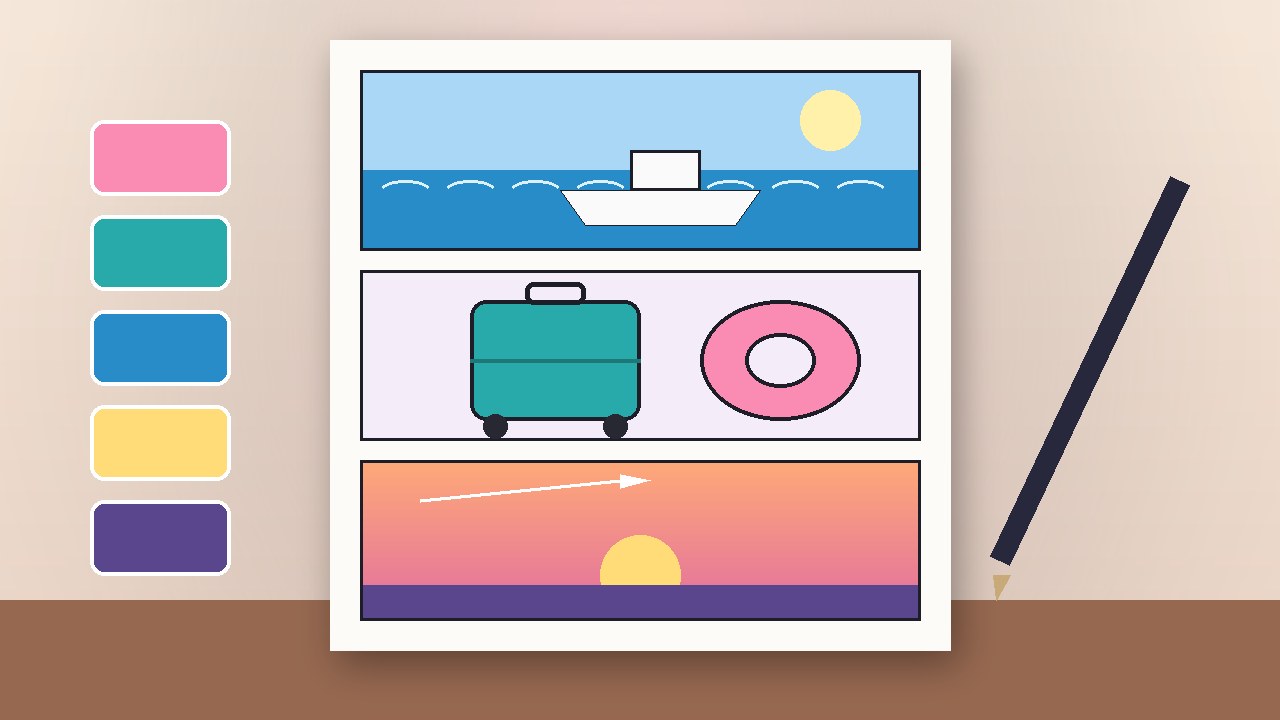
It replaces Niji 7, which launched in January. Fathom ↗ and ASCII.jp ↗ covered the release the next day. The picture above is an original illustration made by aitoolranked, not Niji 8 output; we have not run the model ourselves.
The blog gives two ways in:
Discord: add --niji 8 to the end of your prompt.
Web: open the settings to the right of the prompt bar and pick "Niji 8" from the Version dropdown.
The blog also recommends the HD setting, saying Niji 8 is "the fastest and most coherent niji model yet."
The biggest change for anyone drawing a recurring character is the edit feature. The blog says it is the replacement for the character reference (cref) feature that "many of you missed" from Niji 6.
How it works, per the blog:
Finish a generation, then press the quick edit button in the bottom right corner.
Attach more pictures in the menu that opens, for example a character sheet and a background.
Write the instruction, such as "take the character from image 1 and put it into image 2, lying down."
You can also edit with one picture, or make small touch-ups ("add a single hair bun to the top of this girl's head"). The blog's author prefers two images for "maximal control," and warns that blurry or pixelated inputs give worse results. Style references and moodboards were also improved to help keep a look consistent.
This is the part that will trip up existing users. The blog says that where Niji 7 kept a character the same "as long as you type in the same words," Niji 8 will NOT do this. It gives you more variety for the same prompt, closer to Niji 6.
Midjourney's rule is that prompt length signals intent. Short prompts get wide variety; longer, more detailed prompts get less. If you relied on a saved Niji 7 prompt to reproduce a character, expect it to drift. The intended fix is the edit feature, srefs and moodboards, not prompt wording.
Other changes the blog shows:
Better spatial reasoning. Multi-object scenes, like a woman packing a sundress into a suitcase with a flamingo float behind her, follow the prompt more closely.
Simple comic pages. A single prompt can describe top, middle and bottom panels.
Midjourney has not published benchmark numbers for Niji 8, and none of the coverage we read found any.
There is no separate Niji price. Niji runs on your normal Midjourney plan, and Midjourney's pricing page ↗ lists only paid plans:
| Plan | Monthly | Billed yearly | Fast hours a month | Unlimited Relax images |
|---|---|---|---|---|
| Basic | $10 | $8/mo | 3.3 | No |
| Standard | $30 | $24/mo | 15 | Yes |
| Pro | $60 | $48/mo | 30 | Yes |
| Mega | $120 | $96/mo | 60 | Yes |
Edits count as separate jobs and can use different amounts of Fast time, according to the same page. Image editing is included on every plan. Creations are public by default unless you pay for Pro or Mega and turn on Stealth mode.
Early reaction on X centers on character consistency:
"Same waifu. Every shot. Finally." — @Zuuhl82 ↗
"niji 8 swapped character reference for a real edit model. hand it a character sheet and a background and the face stays the same across the whole set." — @noraeggbot ↗
"Niji 8 is finally out! First good result in five minutes" — @StarryGoop ↗
"Better character consistency + a posing tool = great news for 80s anime MVs." — @WATERMAN_akbb ↗
These are public X posts. We didn't check Reddit for this story.
If you make anime art on Midjourney, switch to Niji 8 for new work. The edit feature fills the gap people complained about since cref went away, and the two-image method (character sheet plus background) is a sensible workflow for comics and storyboards.
Don't switch mid-project without testing. Because Niji 8 deliberately varies output for the same short prompt, an ongoing series built on Niji 7 prompt wording may break. Keep Niji 7 selected for that series until you have rebuilt the character with the edit feature.
Basic is tight for this. Every edit is another job, and Basic has 3.3 Fast hours and no Relax mode. If you plan to re-pose a character many times, Standard's unlimited Relax images make more sense.
Alternatives. If you want an editing-first model outside Midjourney, our best Midjourney alternatives list covers the field, and we covered ByteDance's Seedream 5.5, which is built around long multi-round edits. For open, local control, see our Stable Diffusion tutorial and the AI image generation category.
Midjourney on X: Niji V8 is now live ↗ (November 24, 2026)
Niji Journey: Welcome to Niji 8! ↗ (November 24, 2026)
Midjourney: Updates ↗ and Pricing ↗, checked November 25, 2026
Fathom: Midjourney Niji V8 Launches With Built In Editing ↗ (November 24, 2026)
ASCII.jp: Midjourney Unveils 'Niji V8' ↗ (November 25, 2026)