AI News · 5 min read
ChatGPT Live Dictation: No 10-Minute Limit and How to Use It
OpenAI rolled out Live Dictation in ChatGPT on November 18, 2026: text appears as you talk, the 10-minute cap is gone, and it is on every plan.
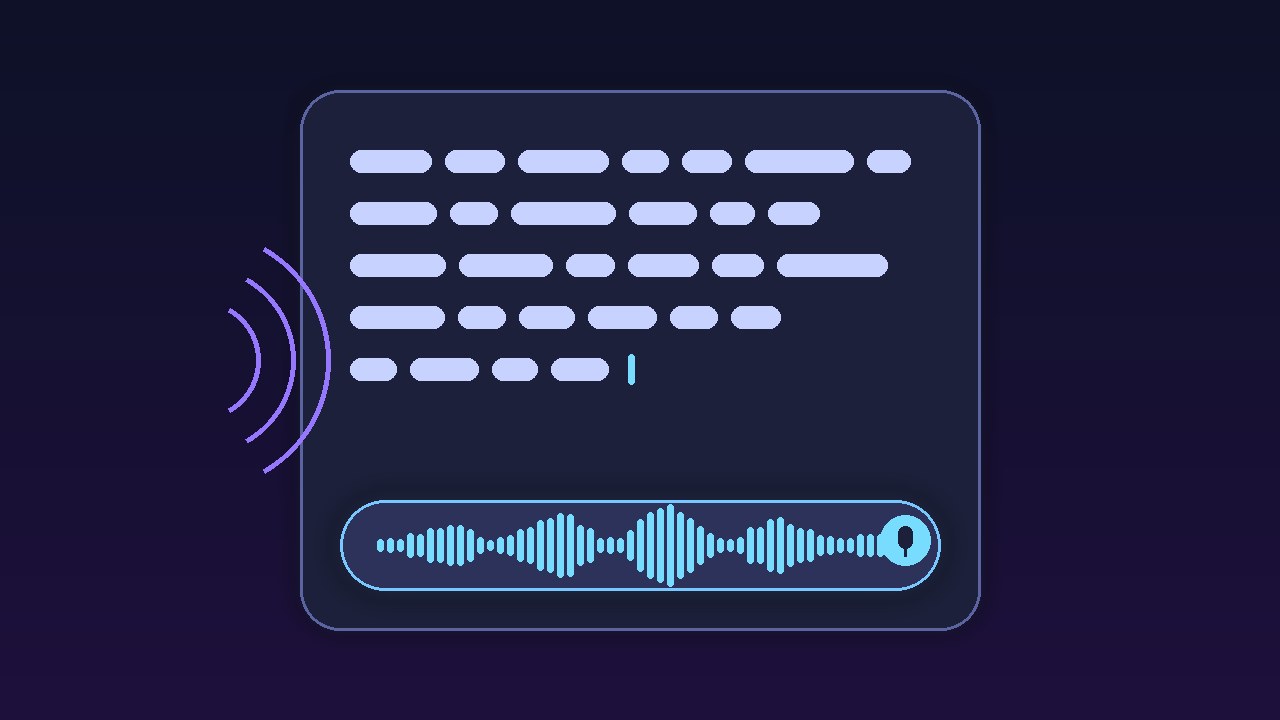
OpenAI rolled out Live Dictation in ChatGPT on November 18, 2026: text appears as you talk, the 10-minute cap is gone, and it is on every plan.
On November 18, 2026, OpenAI added Live Dictation to the ChatGPT release notes ↗. The entry says: "With Live Dictation, your speech turns into text as you talk, so you spend less time waiting for your message to finish transcribing." It adds: "We've also removed the 10-minute recording limit." Live Dictation is rolling out globally to all ChatGPT plans on iOS, Android, web, and the desktop app. 9to5Mac ↗ (Zac Hall, November 18) and iThinkDifferent ↗ (Imran Hussain, November 18) covered the update. The picture above is an original graphic created by aitoolranked. We have not used Live Dictation yet.
Dictation is the microphone in the message box. You speak, ChatGPT writes text, and you edit that text before you send it. It is not ChatGPT Voice, the spoken back-and-forth conversation. Before this update, you finished talking and then waited for the whole recording to turn into text, and a recording stopped at 10 minutes. Now the words appear while you speak, and the cap is gone.
OpenAI's own post on X, quoted by 9to5Mac, ended with two words: "Yap away!"
The flow is short:
Update the ChatGPT app. The rollout is gradual, so the new version may not show up on every account on day one.
Tap or click the microphone in the message box and start talking.
Tap or click the waveform to show or hide the live text.
Stop, read the transcript, fix what it misheard, and send it as a normal message.
The live text is hidden by default. Atty Eleti, who works on voice at OpenAI, explained the choice in a reply on X ↗: the "transcript is hidden by default, but visible on tapping the waveform. for long dictations, it's useful to know the app is still transcribing." On desktop, he says in another reply ↗, you can turn on "Settings > Voice > Always show live transcription" to change that default.
| Dictation | Voice | |
|---|---|---|
| Output | Text you edit | Spoken reply |
| You send | When ready | As you talk |
| Nov 18 note | Live text, no cap | Not covered |
OpenAI has not published a new maximum length. i10X ↗ and Digital Today ↗ both note that. "No 10-minute limit" is what the release note says. It does not promise an unlimited recording.
Privacy did not change with this update. OpenAI's Voice Dictation FAQ ↗ says dictation audio is kept for as long as the chat is in your history. If you delete the chat, the audio clip is deleted within 30 days, with exceptions for security or legal reasons. If a consumer user has chosen to share audio, OpenAI may train on dictation audio. You can stop that in data controls with the "Include your audio recordings" toggle, or by turning off "Improve the model for everyone". OpenAI says it does not train on business users' inputs by default. Longer recordings mean more stored audio, so check that toggle before you dictate a 20-minute brain dump.
"Massive QoL upgrade: live dictation in ChatGPT - no more dropped transcriptions!!" — Vaibhav (VB) Srivastav ↗ (@reach_vb)
"live dictation means chatgpt can now mishear me in real time" — machine yearner ↗ (@machine_yearner)
"if a spoken correction gets appended instead of replacing text, live dictation loses its speed advantage." — Max Petrusenko ↗ (@petrusenko_max)
"Live dictation is great until it types out the 'umm… wait… no, delete that' part too 💀" — Arnab Ghorui ↗ (@byarnabghorui)
"… you catch the wrong word mid-sentence, not after a nine-minute monologue haha" — Voiskey ↗ (@Voiskeyofficial)
Reddit was not reachable for this story.
This fixes the worst part of the old dictation. Waiting at the end of a long recording, then finding out it failed or cut off, was the pain point. Live text tells you the app is still listening, and the end of the 10-minute stop means long prompts no longer have to be split. VB's "no more dropped transcriptions" is the reaction that matters most here. It is one user's line, not a reliability number from OpenAI.
Live text is not live editing. Max Petrusenko and Arnab Ghorui point at the same gap: if you say "no, delete that", you may still get those words in the transcript. Nothing in OpenAI's note says spoken corrections are handled. Plan to clean the text up before you send it, or keep the live view hidden and edit once at the end, which is the default OpenAI chose.
Who should care. People who write long prompts, brief ChatGPT on a project out loud, or find typing slow get the most out of this. It is on every plan, including Free, so there is no upgrade to weigh. Meeting capture is a different job. ElevenLabs' Mac app is covered in our ElevenAI note, and transcript tools are in AI subtitle generators. Talking to the assistant instead of to a text box is ChatGPT Voice, and Advanced and Standard voice retire on December 11 (our voice note). For coding agents, see Cursor's voice chat. For the wider app choice, see ChatGPT vs Claude vs Gemini.
Verdict: Update the app and try it on your next long prompt. Read the transcript before sending, and check the audio-sharing toggle if long recordings make you uneasy. Watch for a published maximum length and for spoken corrections.