AI News · 6 min read
Gemini Live Guided Vision on iPhone: How to Turn It On
Gemini Live's Guided Vision for blind and low-vision users reached iPhone on Nov 25. How to turn it on, where iOS limits it, and how it compares.
Gemini Live's Guided Vision for blind and low-vision users reached iPhone on Nov 25. How to turn it on, where iOS limits it, and how it compares.
On November 25, 2026, Google's Gemini app account announced on X ↗: "Guided Vision in Gemini Live is now available on iOS. Open Live, point your camera, and get real-time guidance right on screen." Until then, the feature was Android-only. It launched there on October 1 ↗.
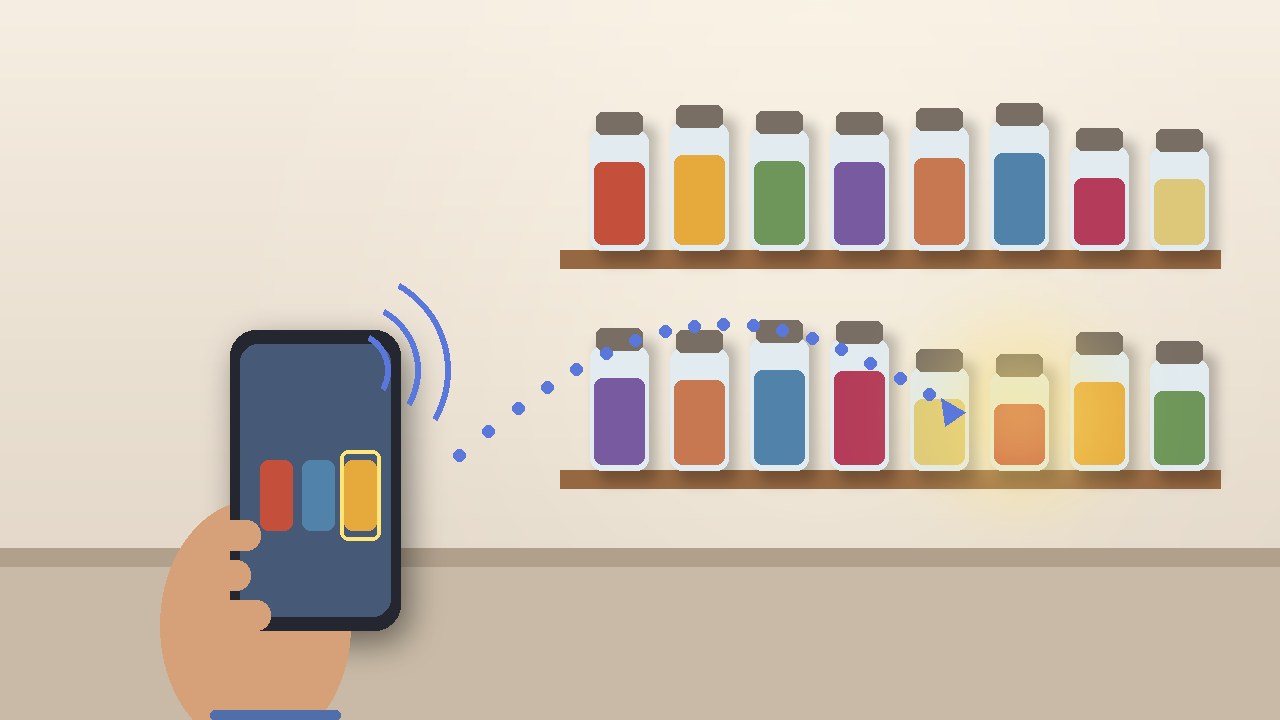
Guided Vision is a mode of Gemini Live built for people who are blind or have low vision. You share your camera, Gemini describes what it sees out loud and answers follow-up questions. If the shot is off, it tells you how to fix it: pan right, tilt down, step back. Gadgets360 ↗ and Digital Trends ↗ both noted that Google hasn't said which iPhones, countries or languages are covered. The image above is an original illustration by aitoolranked.
Google built it with Aira ↗, the visual interpreting service. According to Google, Aira interpreted "tens of thousands of hours" of visual data for training, and more than 1,000 Aira Trusted Testers tried the model. Google lists uses such as reading nutrition labels and washing machine dials, finding a dropped earbud, and checking whether a striped shirt goes with your trousers.
Google hasn't published iPhone steps yet. Its help page only covers Android. These steps come from Frandroid ↗, which tested it on an iPhone:
Update the Gemini app from the App Store. The app needs iOS 16 or later.
Open the app's settings and go to the Voice section.
Switch on Gemini Live Guided vision. It's off by default.
Start Gemini Live, share your camera and ask what's in front of you.
The rollout is gradual, so the switch may not show up yet. If it's missing, update again in a few days. On Android, the switch is Use Guided Vision in Live in your profile settings. You can also launch it with an Android accessibility shortcut or from the TalkBack menu.
| iPhone | Android | |
|---|---|---|
| Available since | November 25, 2026 | October 1, 2026 |
| Minimum OS | Gemini app needs iOS 16 | Android 9 |
| Where to switch it on | Settings > Voice (per Frandroid) | Profile settings > Use Guided Vision in Live |
| Shortcut launch | Not documented | Accessibility shortcut, TalkBack menu |
| Help page | Not yet | Yes |
Google is clear about the limits. Guided Vision "can make mistakes," and it is "not a medical device, mobility aid, or white cane replacement." It's also "not intended for navigation, safe-travel guidance, or obstacle detection."
On iPhone, Frandroid's tester found description worked well, but taking a photo didn't. Switching to the Camera app sends Gemini to the background, and "the camera cuts out after a few seconds" (translated from French). Running both apps side by side failed too, because iOS lets only one app use the camera at a time.
On Android, Double Tap host Steven Scott tested it on a Pixel 10 Pro ↗. Once he held the camera still, it found his mug "100% right." It also guided his finger to a button on a touchscreen mixer. His verdict: "That's pretty impressive for essentially a free tool built into a phone." He also said "the live reactive side of it isn't really there."
Kareen Kiwan, a blind writer at Accessible Android ↗, got directions relative to the writer's own hand, which helped. Gemini also misidentified a towel as pink more than once. Asking it to take a photo ended the Live session.
Not everyone is impressed by the launch itself. "This isn't a new product. It's Guided Vision, which shipped on Android in October, arriving on iPhone," @hao_writes ↗ replied to Google, adding that the useful part is the reframing help, "not a promise that Gemini sees correctly."
Worth turning on if you're blind or have low vision and already use an iPhone. It doesn't cost anything extra, and the reframing cues fix the most common failure with AI camera tools: the model guessing from a bad shot instead of telling you it can't see.
How it compares on iPhone:
Apple Magnifier already has a Detection mode that describes the camera view live, as Frandroid points out, and with Apple Intelligence it can answer questions about what it sees. It's built into iOS. Gemini's edge is the back-and-forth conversation and the spoken framing cues.
Be My Eyes and Aira still matter when the answer has to be right. Both can connect you with a person. Aira's paid human interpreters are the same service Google trained Gemini with.
Gemini Live without Guided Vision can already look through your camera on iPhone. Guided Vision changes how it talks to you: more detail and more direction. It doesn't switch you to a better model, per Accessible Android's testing on Android.
The catch: you have to keep prompting. Two testers said it doesn't continuously watch and speak up when something changes. And on iPhone, it can't stay with you while you frame a photo in the Camera app. Use it for labels, dials, menus and finding things, not for getting around. Google says Guided Vision will also work on its Gemini smart glasses, which go on sale December 10, per Digital Trends.
For more on choosing an assistant, see our ChatGPT vs Claude vs Gemini comparison and our ChatGPT alternatives ranking. If you rely on voice output, our AI voice generators roundup covers text-to-speech tools.
Google Gemini on X: Guided Vision now available on iOS ↗ (November 25, 2026)
Google: Guided Vision in Gemini Live: built for accessibility ↗ (October 1, 2026)
Gadgets360: Google Gemini Live Guided Vision Rolls Out to iPhone Users ↗ (November 26, 2026)
Digital Trends: Gemini Live's Guided Vision now works on iPhone ↗ (November 25, 2026)
Frandroid: J'ai testé la vision guidée de Gemini Live sur iPhone ↗ (November 26, 2026)
Double Tap: Google's Guided Vision tested ↗ (October 27, 2026)
Accessible Android: Guided Vision: how to use it and early impressions ↗ (September 23, 2026)