AI News · 5 min read
Claude Plugins Replace the Skills and Connectors Tabs
Claude now puts skills, connectors and plugins on one Plugins page, with 10,000+ to browse. Who has it, the Nov 30 admin deadline, and the gotcha to know.
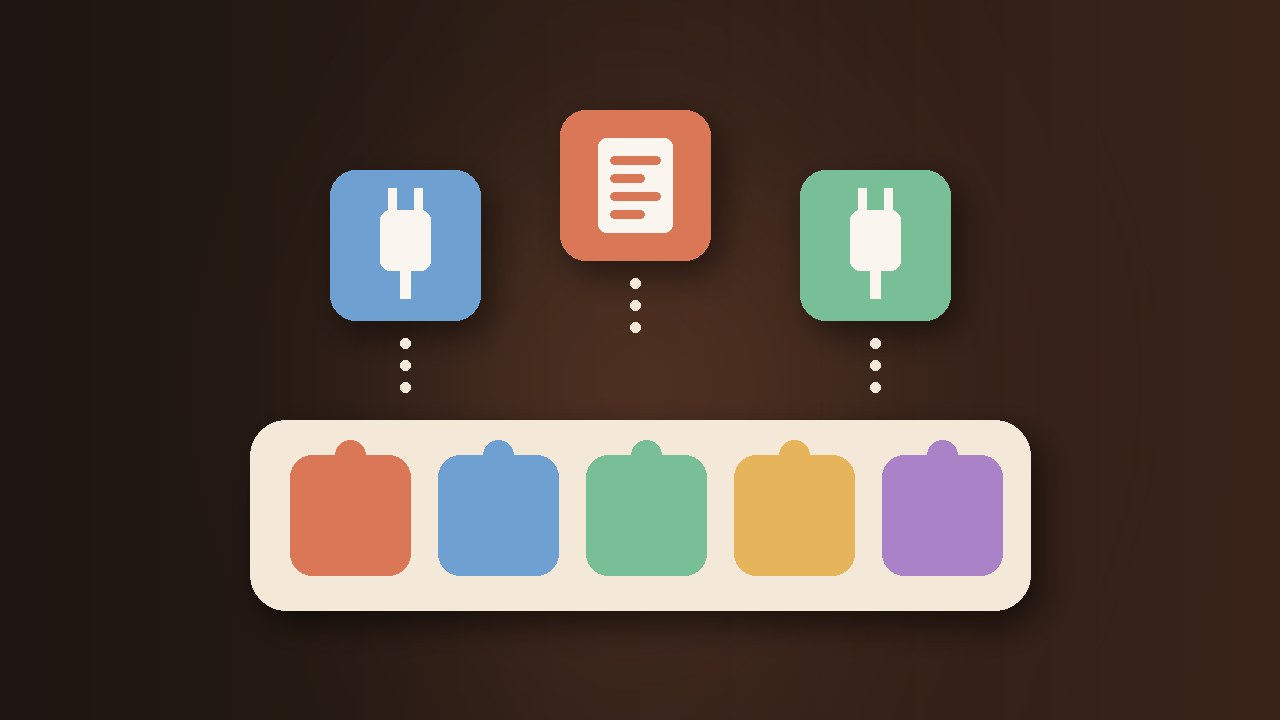
Claude now puts skills, connectors and plugins on one Plugins page, with 10,000+ to browse. Who has it, the Nov 30 admin deadline, and the gotcha to know.
On Monday, November 23, 2026, Anthropic folded Claude's connectors and skills into one system: plugins. The official Claude post on X ↗ put it simply: "There's now one way to connect your tools to Claude, teach it a new skill, or do both." It says the change is live on Free, Pro, Max and Ultra, and that you can browse more than 10,000 plugins.
Anthropic's help center article ↗ spells out the details, and Business Upturn ↗ and The Defiant ↗ reported the launch.
Quick refresher on the three pieces, from Anthropic's docs ↗:
Connectors (MCP connectors) give Claude access to a tool or data source, like your calendar, files or issue tracker.
Skills are written instructions, sometimes with scripts, that teach Claude to do a task your way, like your weekly report format.
Plugins package skills, connectors, commands and agents into one install you can share.
Until now, these lived on three separate tabs under Customize. Most people never worked out which one they needed. Now there's one page.
Per the help center:
Customize is now called Plugins in the sidebar, the chat menu and settings.
Your plugins come first, including ones from your organization and ones shared with you. The directory sits below.
Quick filters narrow the list to skills or connectors, and each card shows its type.
Categories let you browse by topic, department, industry or everyday life.
Directory labels mark public plugins as Verified or Community.
Skills work as plugins. Click "+" or type "/" in chat to use one.
Everything you had installed stays installed. The new page works on the web and in the Claude Desktop app.
| Plan | When |
|---|---|
| Free, Pro, Max, Ultra | Available now |
| Team | Rolling out gradually from November 30, 2026 |
| Enterprise | On by default, rolling out "in the coming weeks" |
This is the part Team and Enterprise admins need to act on. From November 30, if Skills are turned off for your organization, plugins are also blocked in the Claude Desktop app. Anthropic says that matches how Claude on the web and Claude Code already behave.
So if your org disabled Skills but people rely on plugins in Desktop, turn Skills back on before November 30. Otherwise those plugins stop working there. In Organization settings, Plugins & skills and Connectors become one Plugins group, with separate pages for plugins, connectors, policy, marketplaces and requests.
One detail is easy to miss. Removing a plugin that bundles a connector doesn't disconnect that connector. If you installed, say, a plugin for a project tool and then removed it, Claude may still have access to that tool's account. Disconnect the connector separately.
The reverse applies too. Anthropic's docs say that after you add a plugin, you sign in to its connector separately from the plugin's page. Adding a plugin on its own doesn't hand Claude your account.
Anthropic's post passed 7,600 likes within a day. The replies were mostly practical:
"Plugins are the right unit... the skill is the SOP and the connector is the hands. One without the other is either an agent that knows the process but can't touch the tools, or one that can touch everything and knows nothing." — @0xExpl0rer ↗
"10,000+ plugins, wonder how many of them are deeply verified. Who's responsible for the security of these plugins?" — @wh01s7 ↗
"I'd still want the install screen to show the instructions and permissions separately: what the plugin teaches Claude, what it can read, and what it can change." — @fengchiatsao ↗
"One catch from the help page: removing a plugin that bundles a connector doesn't disconnect the connector." — @GodsBoy7777 ↗
"We've reached the point where AI needs plugins to organize its plugins. 😂" — @Avendool ↗
Reddit wasn't reachable from our tools for this story.
This is a cleanup, and a good one. Splitting "teach Claude a process" from "give Claude access" made sense to engineers and confused everyone else. A plugin that bundles a tool's connector with the skills that use it is how people already think: "make Claude good at Notion," not "add an MCP server, then a skill."
Be picky in the directory. 10,000 plugins is a lot of surface area, and the Verified vs Community label is your main signal. Before adding a Community plugin with a connector, look at what account it asks for. A skill can only change how Claude works. A connector can read and act in your tools.
Admins: put November 30 in the calendar. If Skills are off in your org, decide now whether that should also block Desktop plugins.
Versus the alternatives: OpenAI has been going the same way with role bundles, like the ChatGPT for Sales plugin and its partner apps. Claude's version is broader, and plugins carry over to Cowork and Claude Code without a reinstall. If you're new to the plumbing underneath, our MCP protocol guide explains how connectors work. Our ChatGPT vs Claude vs Gemini comparison covers the bigger choice. This also follows Claude's recent app redesign and the Claude Ship launch the same day.
Claude on X: Connectors and skills come together as plugins ↗ (November 23, 2026)
Claude Help Center: Manage plugins, skills, and connectors from one Plugins page ↗
Claude docs: Connectors, skills, and plugins ↗ and Plugins ↗
Business Upturn: Anthropic combines Claude skills and connectors in new Plugins page ↗
The Defiant: Claude Unifies Connectors and Skills in One Plugins Hub ↗