What changed in the Claude app
Anthropic has started rolling out a redesigned Claude app for iOS and Android. Daniel Destefanis, a product designer on the Claude team, announced the refresh on X ↗ on November 20, 2026 (US time), saying the team "wanted a design that better supported code, projects, and artifacts on mobile, and made it easier than ever to start and resume sessions on the go." Anthropic product manager Robert Bye followed with a launch video ↗ and the line "Rolling out to all users, starting today!" That post has passed 4,600 likes.
The Verge ↗ confirmed the headline change: a bottom bar with four tabs for Chat, Projects, Code and Artifacts. It also noted the timing, "just a day after OpenAI announced a ChatGPT app redesign that also includes a bottom tab bar."
Here is what the designers showed in their own posts:
Tabs you can swipe. Khalil Cader wrote ↗ that you "slide across them to switch, or long press one to jump straight to your recent stuff."
Code sessions from the home screen. Pran, who designs Claude Code, said ↗ you can "pick one of your devices and start a session on it right from the home screen," and called the floating code composer one of the favorite improvements.
Projects shows what is waiting on you. Per Pran ↗, "claude can run a few threads at once, and you can see what's waiting on you at a glance."
Smaller touches. A new + menu, a model picker that is now "a little wheel" where a long press picks the effort level, a sidebar with search at the bottom, and custom fonts for both the interface and Claude's replies (Cader's thread ↗).
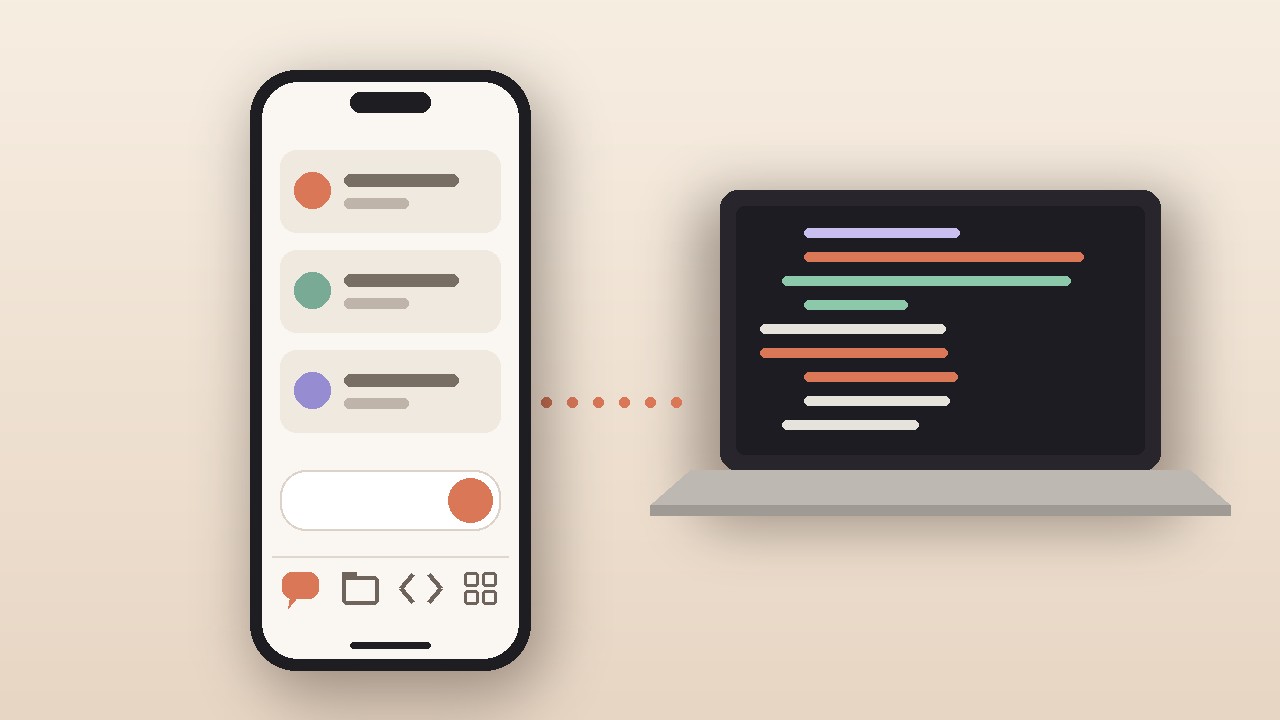
The image above is an original graphic made by aitoolranked, not a screenshot of the app.
Who gets it and when
Bye says it is going to all users, and in a reply he added ↗ that Android is rolling out "at the same time" as iOS. It is a staged rollout, though. Several replies on November 21 still said the new design had not reached them, and one X user ↗ said it had been live on their iPhone for days while a relative still had the old layout. If you do not see it, update the app and check again later.
Destefanis also replied ↗ that "Android will have more android native changes," so the two versions will not be identical.
How the Code tab actually works
This is the part worth understanding before you get excited. Anthropic's Claude Code on mobile docs ↗ say the app "is a client for Claude Code sessions rather than a place where code runs." Your phone starts or steers work that runs somewhere else:
| Option | Where the work runs | Good for |
|---|
| Cloud sessions | Anthropic-managed cloud | GitHub repos; keeps going with your laptop shut |
| Projects | Cloud | Several related threads; see which need you |
| Remote Control | Your own computer | Local files, tools and MCP servers |
| Dispatch | Desktop app on your computer | Messaging a task (Pro, Max or Ultra only) |
Remote Control and Dispatch need your computer awake with Claude Code or the Desktop app running. The docs also say cloud sessions and Remote Control need a claude.ai account, so they don't work with a Console API key or through providers such as Amazon Bedrock. If the Code tab is missing, your plan or organization may not include it. Dispatch is marked as not available to new users.
Separately, Anthropic's release notes ↗ list computer use (beta) for Team and Enterprise plans as of November 20, usable from Claude Mobile where Computer access is on. It is off by default and is reaching organizations gradually.
What people are saying
"This is the cleanest Ai app so far." — Champs ↗ (@_champs4)
"what i actually want on mobile is checking on a running claude code session and approving stuff, does the new code tab do that or is it mostly read only" — Gabriele Bolognese ↗ (@bologabriele)
"Is it fully rolled out? I don't see these changes in the app yet." — Krishnamurthy ↗ (@krika2810)
"Copy from Openai one day later" — Tim B. ↗ (@axttimm)
To the read-only question: the docs say you can open a session to "check progress, answer Claude's questions, or steer it in a new direction," so it is not read-only. Terminal-only commands such as /plugin and /resume do not work from the app, though.
Reddit was not reachable from our tools for this story.
Our take
If you use Claude Code, this is the update that matters. Putting Code one tap away, with your devices listed on the home screen, turns the phone into a real remote for long agent runs. Start a cloud task on the train, approve a plan from the couch, review the diff at your desk. That matches how people already use agents: kick off, wait, check in.
If you only chat with Claude, it is a nice cleanup, not a reason to switch. The tabs make Projects and Artifacts easier to find, and the effort picker is handy. Your answers come from the same models as before.
How it compares to ChatGPT. OpenAI's new mobile design, which The Verge reported ↗ on November 19, is still an opt-in test for Pro users with (or eligible for) dots, with pinned spots for things like Codex or Images. Claude's version is going to everyone, and its coding entry point is built in. If you work across both, see what ChatGPT is doing with Space on Plus.
Verdict: update now if you run Claude Code; the redesign costs nothing extra, and the Code tab works on any plan that already includes Claude Code on mobile. For picking between assistants, see our ChatGPT vs Claude vs Gemini comparison, our Claude Code review and cheaper Claude Code alternatives. For more on recent Claude Code changes, read our coverage of Projects and the proactive coordinator.