AI News · 5 min read
Gemini API File Slicing: Send Only the Pages You Need
The Gemini API can now read only chosen PDF pages, sheet ranges or video clips and bill only those parts. How file slicing works, the parameters and limits.
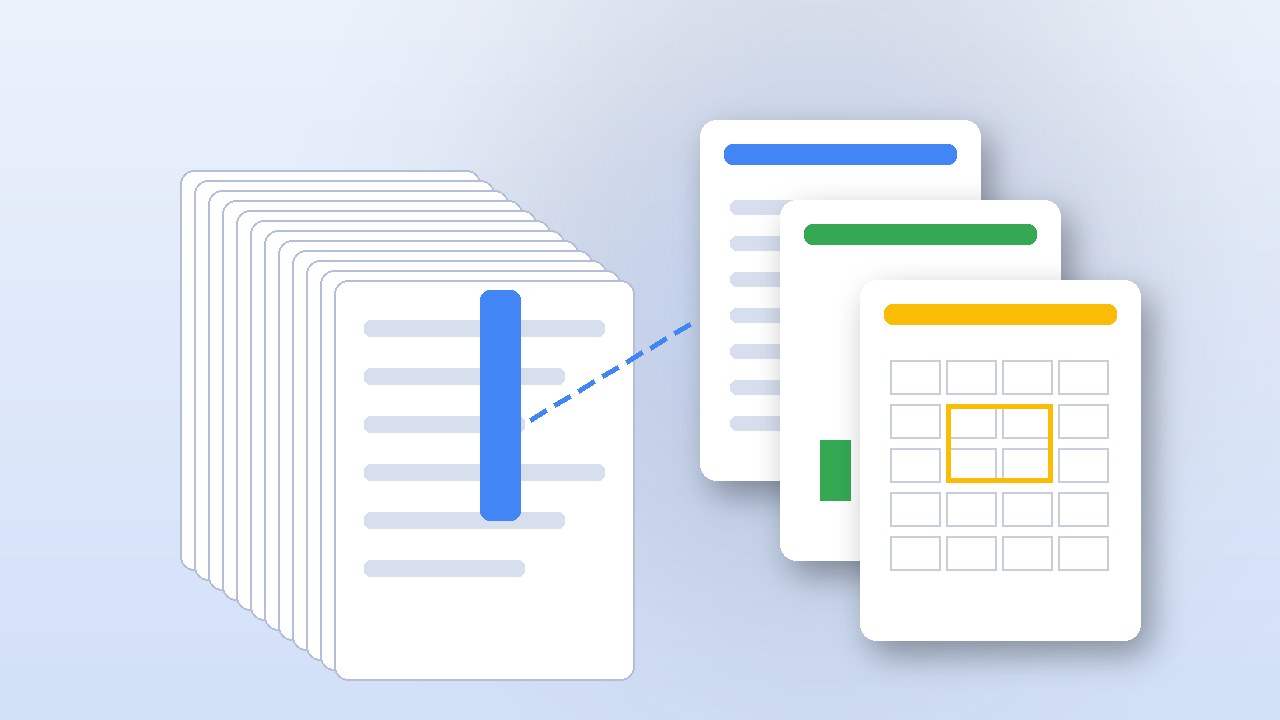
The Gemini API can now read only chosen PDF pages, sheet ranges or video clips and bill only those parts. How file slicing works, the parameters and limits.
On Monday, November 23, 2026, Google DeepMind's Rohan Doshi and Ben Caine announced file slicing controls in the Gemini API ↗. You upload a file once, then tell Gemini which pages, sheet ranges, cells or media segments to look at. Google says the API slices and renders the file server-side and bills tokens "only for the parts Gemini inspects."
The same update adds native upload support for Microsoft Office and OpenDocument files: Word, PowerPoint and Excel, plus .odt, .odp and .ods. Android Central ↗ covered the launch on November 24.
It's live now in Google AI Studio and on the Gemini platform.
Until now, the common pattern for a big file was all or nothing. You either sent the whole 300-page PDF, and paid for every page, or you ran your own LibreOffice, PDF renderer and ffmpeg to cut it up first. Google's post calls that out directly: client-side slicing "bloats memory, clutters local disk with extracted frames," and forces enterprise platforms to run sandboxes per user.
With slicing, an agent can skim cheaply, then zoom in. Read the extracted text of a whole report first, then pull only the chart pages as high-resolution images.
From Google's document understanding docs ↗ and the launch post:
| File type | What you can pick | Content layers |
|---|---|---|
| PDF, Word, PowerPoint, OpenDocument text/slides | start_page, end_page (1-indexed, inclusive) | page_image, page_text |
| Spreadsheets (.xlsx, .xls, .ods) | sheet_index (1-indexed tab), visible_cells (A1 range like A1:H50) | data, formulas, visual |
| Video | start_offset, end_offset, plus fps and resolution | transcript, frames, audio |
| Audio | start_offset, end_offset | audio |
Resolution for page images is set on the document block: low (about 280 tokens a page), medium (about 560, the default) or high (about 1,120) on Gemini 4 and Gemini 3 models, per the docs.
Slicing goes in a processing object ("type": "static") on a document block. This is the pattern from Google's docs, trimmed:
from google import genai

client = genai.Client()
doc = client.files.upload(file="quarterly_report.pdf")

interaction = client.interactions.create(
    model="gemini-4-hydrogen",
    input=[
        {
            "type": "document",
            "uri": doc.uri,
            "mime_type": "application/pdf",
            "resolution": "high",
            "processing": {
                "type": "static",
                "page_options": {"start_page": 3, "end_page": 7,
                                 "content_layers": ["page_image"]},
            },
        },
        {"type": "text", "text": "Summarize the chart on pages 3 to 7."},
    ],
)
print(interaction.output_text)
For a workbook, swap page_options for spreadsheet_options with sheet_index and visible_cells.
Two details make this useful for agents:
It works inside tool results. You can pass a Files API URI with slicing options inside a function_result, so the agent itself decides which pages to read next.
The model gets a map. Per the docs, Gemini automatically receives the total page count and worksheet names, so it can ask for follow-up ranges in later turns.
Size limits apply to the whole file, even when you only read one page: up to 50 MB per file, 1,000 pages per PDF, 2,000 pages or slides per Office/OpenDocument file, and 50,000 cells per sheet.
Uploads expire after 48 hours. Files API storage is free, but don't treat a file URI as a permanent document ID.
Defaults changed for Office files on Gemini 4. If you don't set processing, Word and PowerPoint files are read as page images (about 560 tokens a page), not extracted text as on Gemini 3 and 2.5. If you were relying on cheap text extraction, set content_layers: ["page_text"] yourself.
Model support: Google's blog says slicing works across all Gemini 4 models. The docs say the processing options work on Gemini 3 and Gemini 4+ models.
Reaction on X was mostly "finally":
"Sending a whole 300-page PDF to a model just to read one table is a token bill nobody should pay." — @Sachi_0298 ↗
"gemini api file slicing support is live on the vercel ai sdk!" — @RohanLikesAI ↗
"Gotcha: uploads expire after 48h. Don't use the URI as a doc ID." — @Gamma_950 ↗
"Most enterprise AI cost and error comes from one habit: sending the whole document when the answer sits on three pages." — @arosplatforms ↗
Reddit wasn't reachable from our tools for this story.
This is a small API change with a real cost impact. If your app does document Q&A, contract review or spreadsheet audits, most of your input tokens are probably pages the model never needed. A text-first skim followed by a high-resolution look at two or three pages can cost a fraction of a full high-res pass. That's our estimate from Google's per-page token figures, not a measured benchmark, so run your own numbers.
It also removes plumbing. Cutting PDFs and rendering slides on your own servers is fragile and eats memory. Handing that to the API is one less thing to maintain, especially for agents that need to jump around a file.
Versus the alternatives: OpenAI's and Anthropic's APIs take PDFs too. What stands out in Google's version is one upload that you can slice by page, cell range or video segment on the server, turn after turn, including from inside a tool call. If you're already on Gemini, this pairs well with last week's Tool Retrieval, which loads tool schemas on demand. Both are about putting less into context. For picking a model, see Gemini 4 Neon vs Carbon vs Opus 5.5 and our wider ChatGPT vs Claude vs Gemini comparison.
Google: Introducing file slicing controls in the Gemini API ↗ (November 23, 2026)
Google AI Studio docs: Document understanding ↗
Android Central: Google Gemini AI gets a token saving update ↗