What Apple changed
On November 16, 2026, Apple posted a developer notice ↗ about two of the Mac's most powerful permissions. In the macOS 27.3 beta 2, Apple adds "increased transparency and more granular options" for Full Disk Access and for what used to be Device Control and Data Access. Apple says that before giving an app that kind of access, "users should understand that it puts all of the data on their Mac at risk."
The main changes, from Apple's notice and its new support page ↗:
The old Device Control and Data Access setting is split in two: System & App Protection Override, and Accessibility.
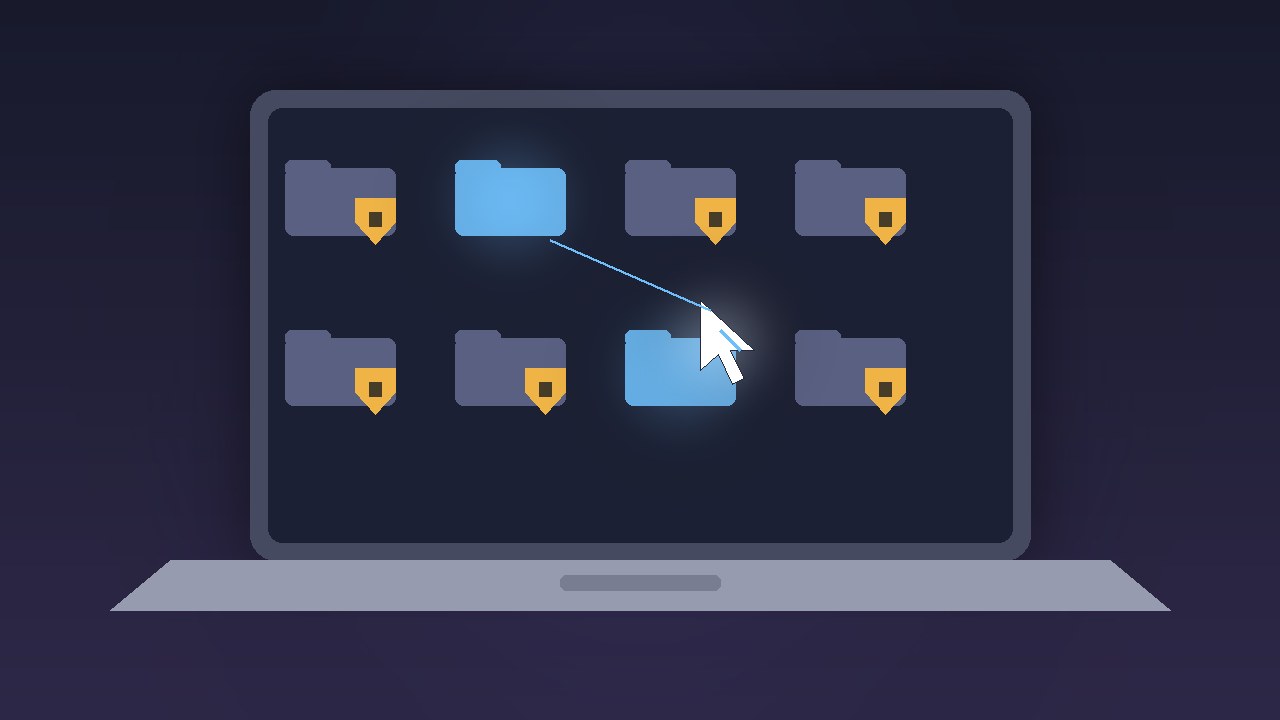
You can grant only part of the access. For Full Disk Access you can pick specific protected folders. For System & App Protection Override you can pick specific apps the requesting app may control.
Per-app "Ask First." For each app an agent can control, you can choose Ask First or At Any Time.
A new indicator shows when one app is controlling another through System & App Protection Override.
Full access takes an explicit step. To give an app everything, you click Bypass System Protections, confirm each item ("Read, Change, Delete, and Export All Your Data," "Browse As You on Websites," "Monitor Everything You Do" and so on), then enter your password.
Permissions you've already granted stay in place. The new screens only show up for new requests. Apple tells developers to make sure their apps "can gracefully handle having access to only a limited set of folders or apps." Backup tools and assistive apps can ask for entitlements to keep the old experience.
Why it's about AI agents
Apple's notice doesn't name AI. The timing does. Agents that operate a Mac for you, such as Gemini's new computer use, need deep permissions to see the screen, control other apps and reach files, and this is the layer Apple is tightening. The Verge ↗ tied the beta's new limits directly to the risk from AI agents when it covered Gemini's computer use on Mac.
Three days later, Bloomberg reported that Apple is building an agent of its own. TechCrunch ↗ and 9to5Mac ↗ quoted the job listing, for a "Senior Engineering Manager, Agentic AI – Proactive":
"Imagine an AI agent that can use a computer the way a capable person does. It browses the web, works across apps, runs commands, writes and debugs code, and calls services, and it chooses the right tool for each step. It does all this privately and with the polish people expect from Apple."
According to TechCrunch's summary of Bloomberg, Apple "has eyed introducing the service as soon as the end of next year," but the work "remains in the early stages." Apple didn't respond to TechCrunch.
So Apple is tightening the rules for third-party agents while it builds its own. That combination will draw scrutiny. For now, the new controls apply to every app that asks for this access, not only to agents.
How to set it up when 27.3 arrives
These steps follow Apple's support page. macOS 27.3 is still in beta.
When an agent asks for Full Disk Access, choose Choose Folder rather than full access. Check the agent's setup docs for the folders it really needs. For a coding agent, that's usually just your project folders.
When an agent asks to control other apps, choose Choose Apps. Pick only the apps it needs, and set each one to Ask First unless you trust the workflow.
Only click Bypass System Protections if you're sure the app is trustworthy and needs everything.
To check an agent you've already approved, go to System Settings > Privacy & Security and open Files & Folders, Full Disk Access, or System & App Protection Override. To move an app from full access to limited access, remove it with the minus button, add it again with the plus button, and pick folders or apps when asked.
| Setting | Lowest-risk choice for an AI agent |
|---|
| Full Disk Access | Choose specific folders |
| System & App Protection Override | Choose specific apps, set to Ask First |
| Bypass System Protections | Only for apps you fully trust |
What people are saying
"Meanwhile macOS 27.3 beta makes my own agents beg for Full Disk Access folder by folder. Fair. A capable person on my Mac also needs supervision." — @Jesaja ↗
"Apple's macOS 27.3 beta makes AI agents ask — explicitly — before getting Full Disk Access to your files... Good move, or just a pop-up you'll click through?" — @leejack096 ↗
"Apple hiring a senior leader to 'make it real' is the most honest sentence ever written in an AI agent job listing." — @karanjagtiani04 ↗
"A job listing shows intent, not a product. Plan agent pilots around permissions, review and audit trails." — @menarawed ↗
Reddit wasn't reachable from our tools for this story.
Our take
This is good news for anyone running agents on a Mac. Until now, full access was the easy path, and Apple's own page says an app with Full Disk Access can reach your messages, emails and photos. Folder-level access is a better default. The tradeoff is more setup prompts and some agents breaking until their developers support limited access. Expect a few weeks of rough onboarding once 27.3 ships.
Don't wait for Apple's agent. A job listing isn't a product, and Bloomberg's earliest date is about a year away. If you want a Mac agent now, the real choices are Gemini, Claude and ChatGPT. See our Gemini on Mac guide, our ChatGPT dots coverage and our ChatGPT vs Claude vs Gemini comparison. Coding agents like Claude Code and Codex mostly work inside a project folder, which makes them easier to scope. Our Codex vs Claude Code comparison covers them.
Whatever you use, scope it. Recent incidents show the risk is real. Meta's Muse privacy issues and the Claude Code settings backdoor are two examples. Give an agent the least access that still gets the job done, and use Ask First for anything that can send money or messages.